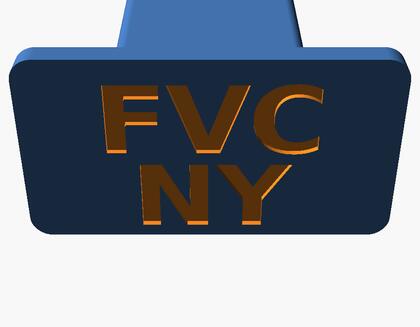
3D Designs
These are free, open-source 3D print designs pulled from multiple community sites (Printables, Thingiverse, MakerWorld, and others). Each is credited and linked back to its original creator and page - use the “Open design” link on each card to view licensing and download the files. Please don’t use these designs for profit; respect each creator’s license.
How to use these designs
1. No printer? You don’t need to own one. Many public libraries and makerspaces across New York have 3D printers available to members, and there are online print-on-demand services (Craftcloud, Treatstock, and others) that will print and mail a file to you for a fee.
2. Pick the right material. Plain PLA is fine for quick indoor tests, but most items on this page live outside in sun, rain, and cold. Check each design’s “Open design” page for the maker’s recommendation - PETG or ASA hold up far better outdoors, and TPU is used for anything that needs to flex (gaskets, washers, cooler latches).
3. You may need hardware you don’t already have. A lot of these prints are only half the part - screws, bolts, washers, or a nut are often required to actually mount or assemble them, and those aren’t included in the print itself. The source page for each design usually lists exactly what size hardware it needs, so it’s worth a quick read before you print.
4. Want to tweak a design to fit your equipment? Free, open-source CAD tools make this possible even if you’ve never done 3D design before. FreeCAD is a full parametric CAD program that can open and edit STEP files (several designs here include one). OpenSCAD builds shapes from simple code instead of clicking and dragging - it’s what powers the parametric washer generator, and it’s a great way to make a part that matches your exact measurements instead of guessing at a scale.
McMaster-Carr (mcmaster.com) offers free CAD downloads for almost every part they sell - no account needed. Find your part, click the CAD icon on its product page, and download it as a STEP file. To turn that into a printable STL, open the STEP file in FreeCAD (File > Open), then File > Export and choose “STL Mesh.” No CAD experience required - if you’d rather skip installing software, a free online converter like CloudConvert works too.
Don’t see a design that would help your operation, or think one would be helpful for other veterans? Contact us and we’ll try to add it.